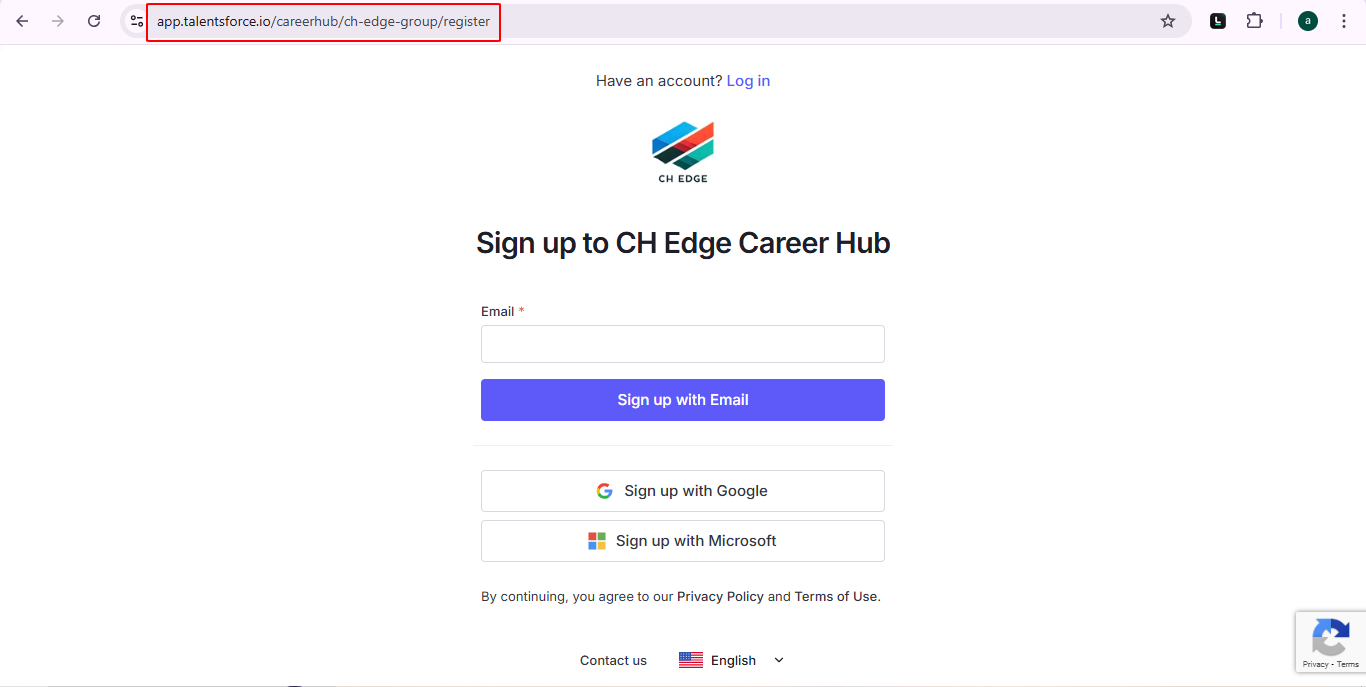
If self-registration is not available, you will need an invitation from your company. Once you receive the email invitation, follow the link inside and accept it to activate your access. If self-registration is available, you can sign up directly on the Career Hub.
If self-registration is not available, you will need an invitation from your organization. Once you receive the email invitation, follow the link inside and accept it to activate your access.
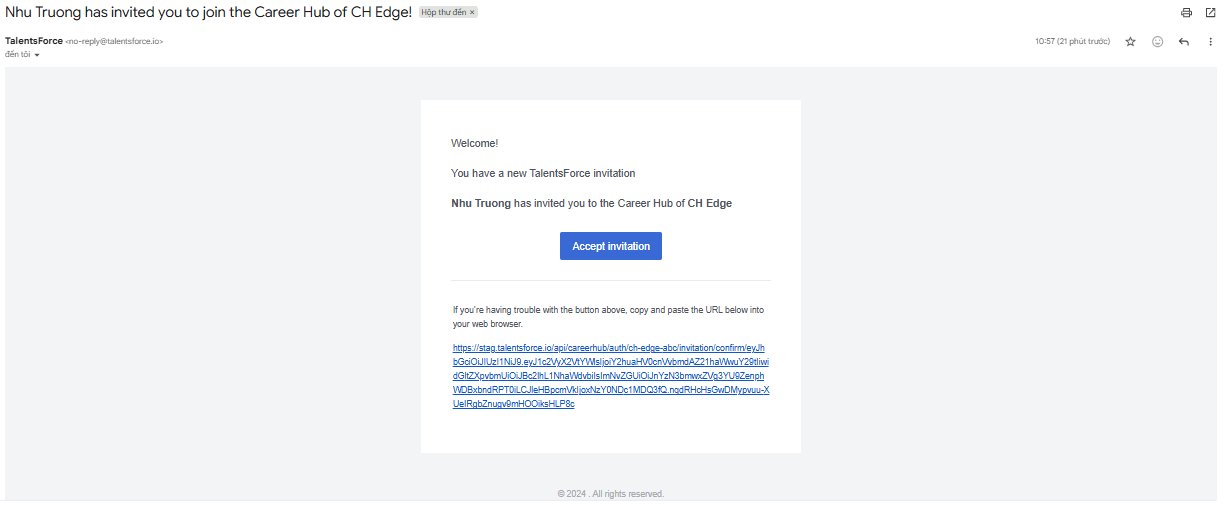
Check your inbox for an email from [email protected] with the subject: [User Name] has invited you to join the Career Hub of [Company Name]!
Click “Accept Invitation”, the system will navigate to the Login page.
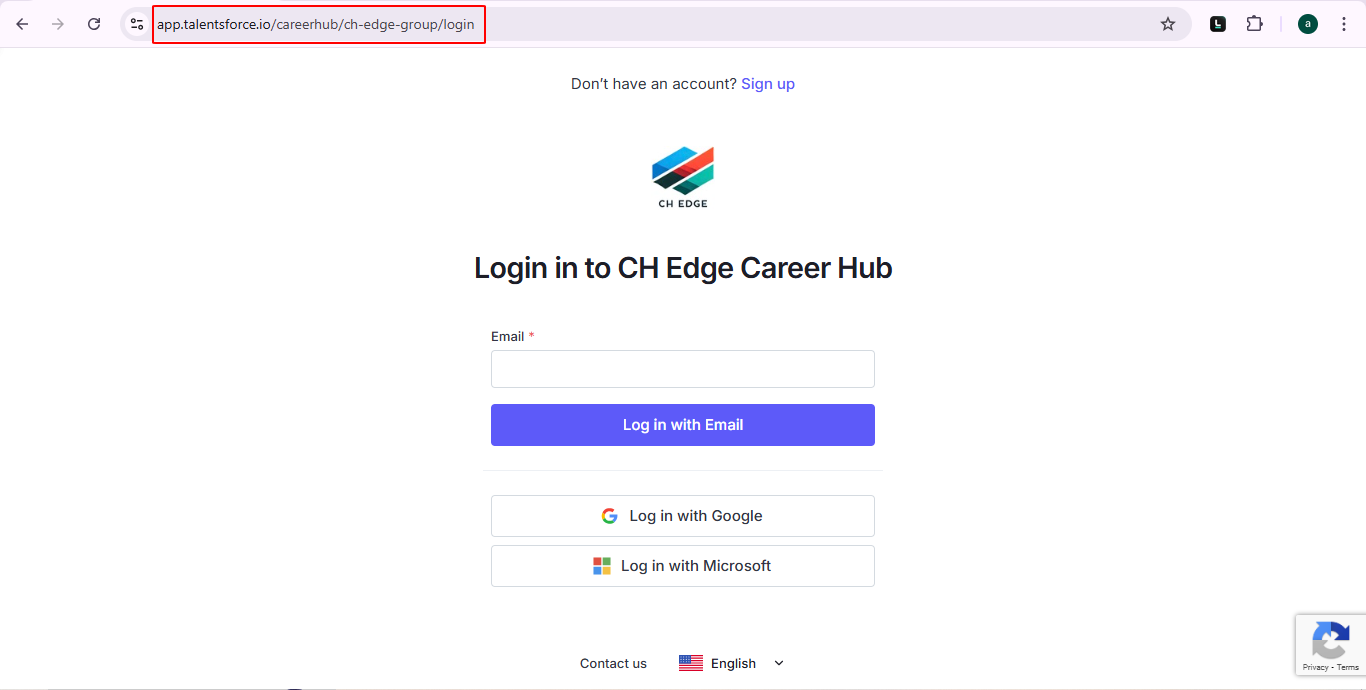
<your tenant URL>/login and choose your login method - no password needed!Choose your login method to access Career Hub and start exploring its features.
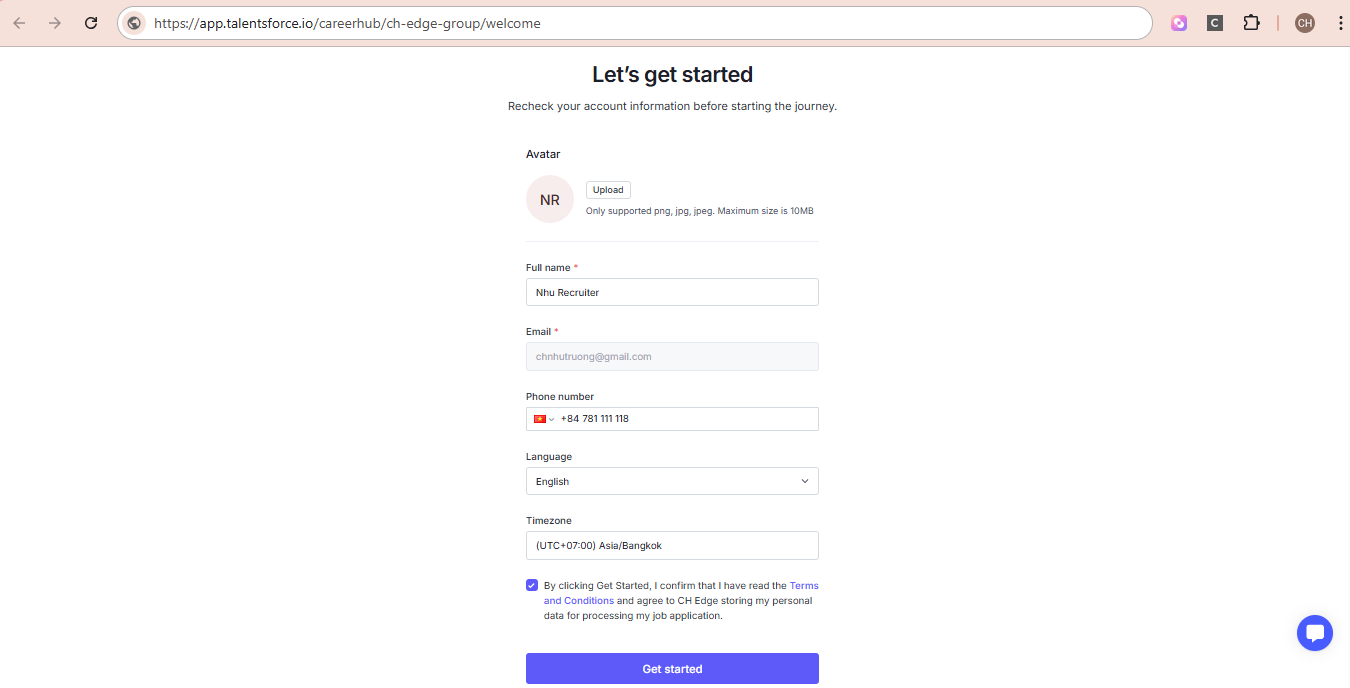
If you're a new user and have received Career Hub Link
Access to the link as format app.hireforce.io/careerhub/<your tenant URL>/register to create a new account and gain access to the Career Hub.