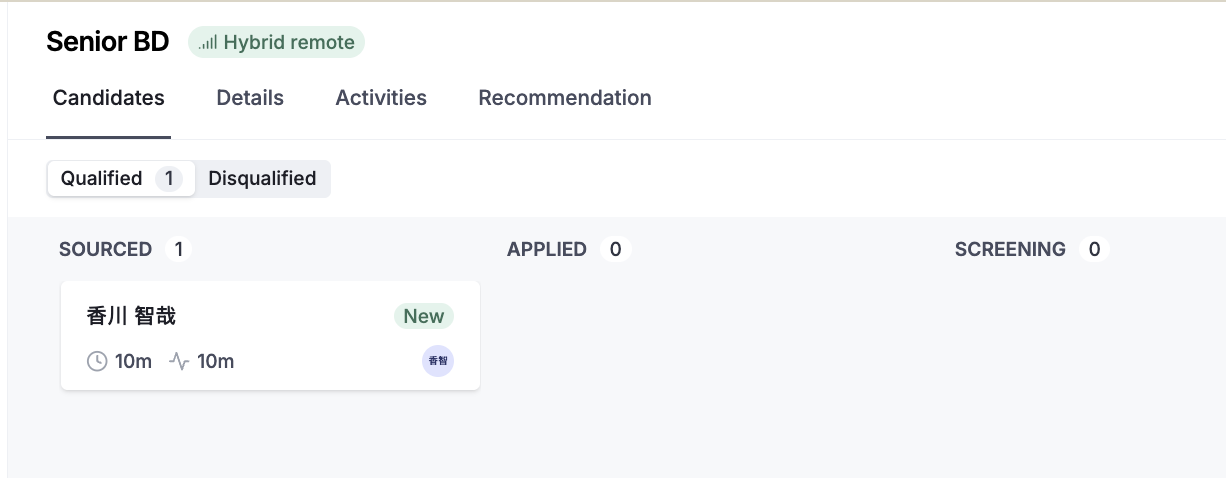
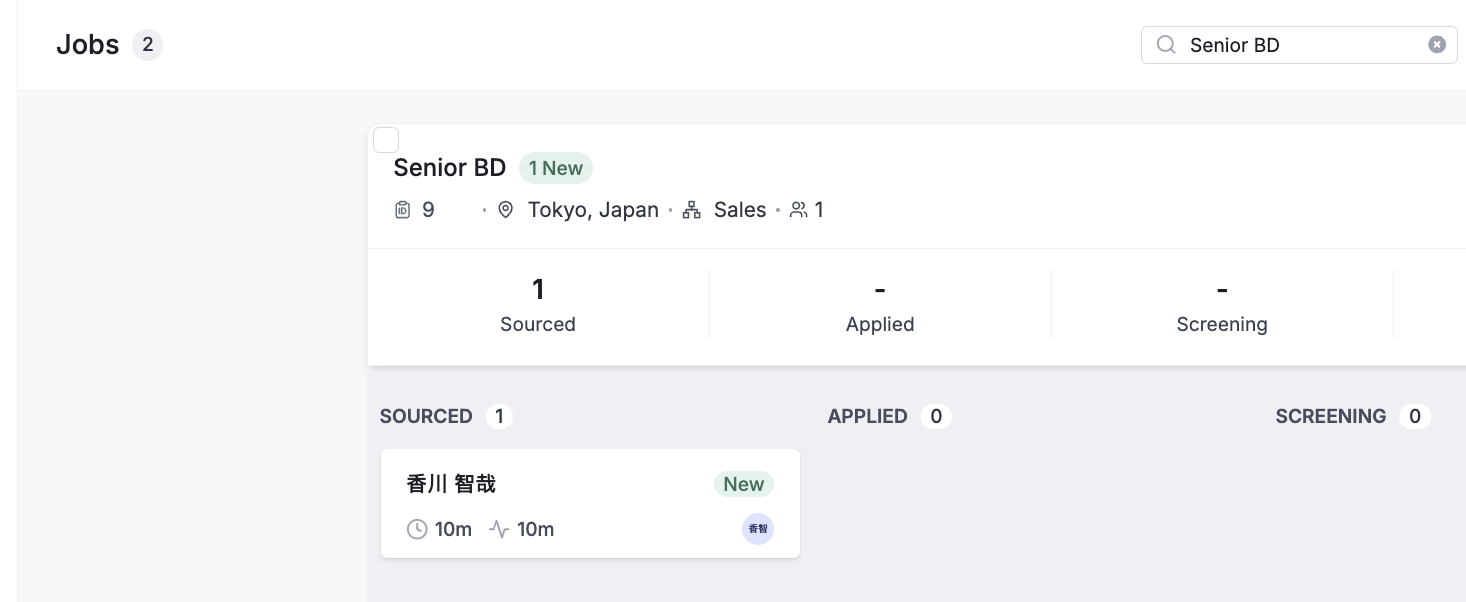
The “NEW” badge is used to indicate that a candidate has been recently added to a job. This applies regardless of how the candidate was added, including applications, sourcing, or referrals.
The “NEW” badge is displayed when a candidate is newly associated with a specific job.
The badge is automatically removed once any user views the candidate’s profile within that job. No further action (such as editing or progressing the candidate) is required.
In the Related-Job Pipeline, candidates are displayed within the context of a single job.
The “NEW” badge is applied per job.
It is removed as soon as the candidate’s profile is viewed within that specific job.
In the Candidate List, a candidate may be associated with multiple jobs.
The “NEW” badge remains visible until the candidate has been viewed in all jobs they are assigned to.
Viewing the candidate in only one job does not remove the badge if they are still unviewed in other jobs.

