The homepage is enabled by default when Career Hub is activated, but only users with Manage Career Hub permission can configure or manage it.
To configure the Career Hub homepage, go to: Settings → Career Hub → Homepage
Use the Show homepage in Career Hub toggle to control whether the homepage is displayed.
This setting allows you to decide when the homepage should be visible
ON (default)
The homepage is enabled automatically when Career Hub is activated for your tenant.
Career Hub members will be redirected to the homepage when they access Career Hub.
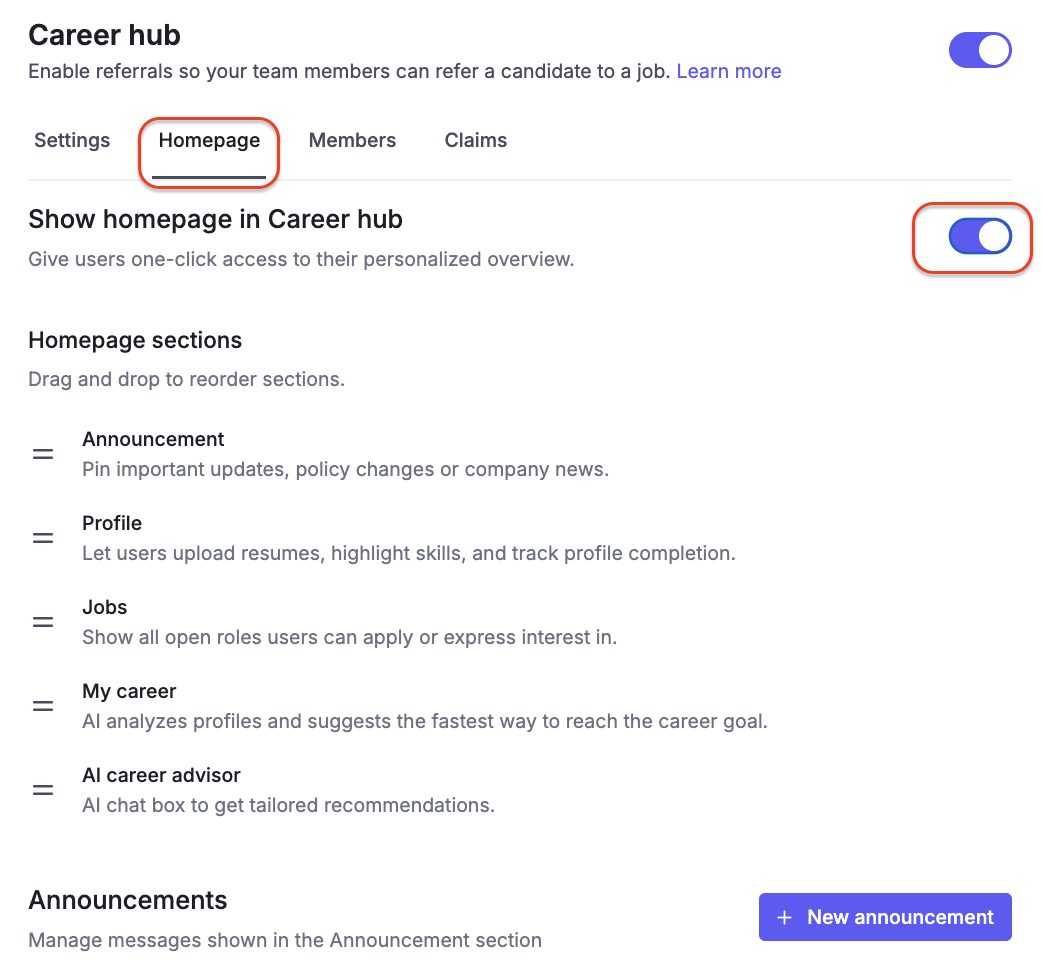
OFF
The homepage is hidden.
Career Hub members will be redirected directly to the Jobs page.
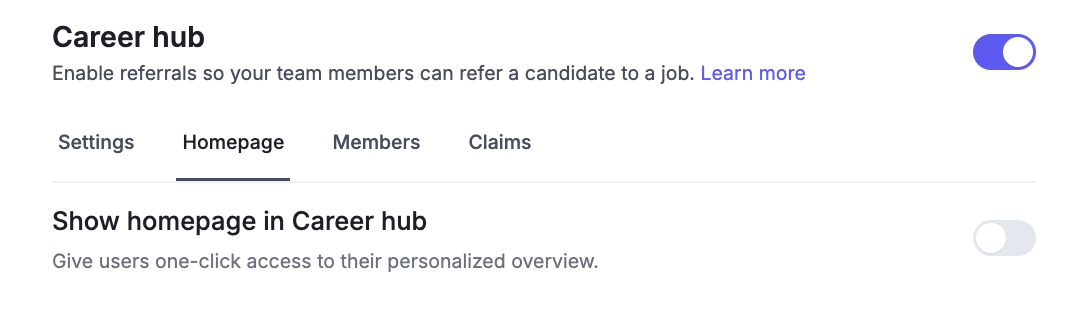

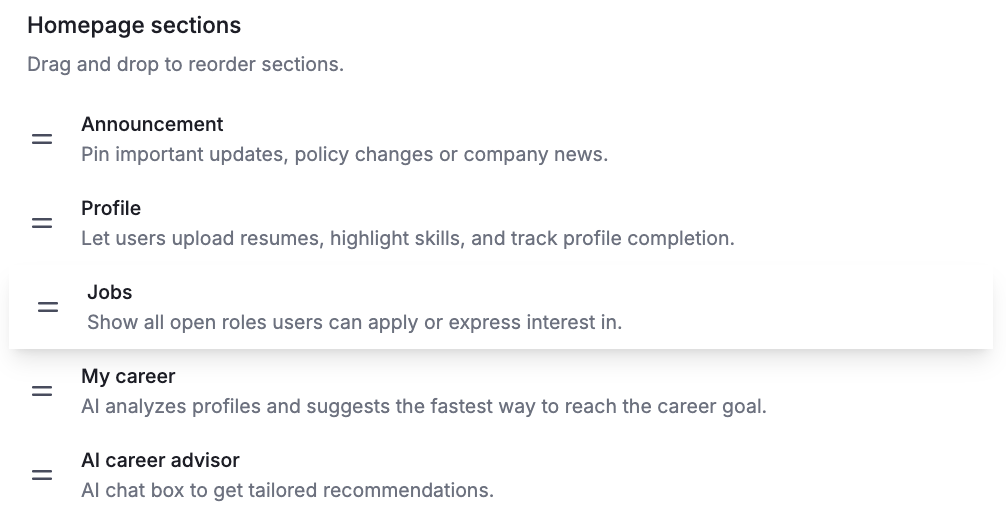
The Homepage sections area lets you control which sections appear on the Career Hub homepage and in what order.
Available sections may include:
Announcement
My Career
Jobs
AI Career Advisor
Profile
The order you set here determines how content is displayed to Career Hub members on the homepage.
You can:
Drag and drop sections to reorder them
Prioritize sections based on your organization’s focus
The Announcement section allows you to manage messages displayed on the Career Hub homepage.
Edit/Delete existing announcement
Find the announcement you want to update
Click the Edit or Delete button next to the announcement
※ Note: Deleting an announcement is permanent and cannot be undone. Please make sure before proceeding.
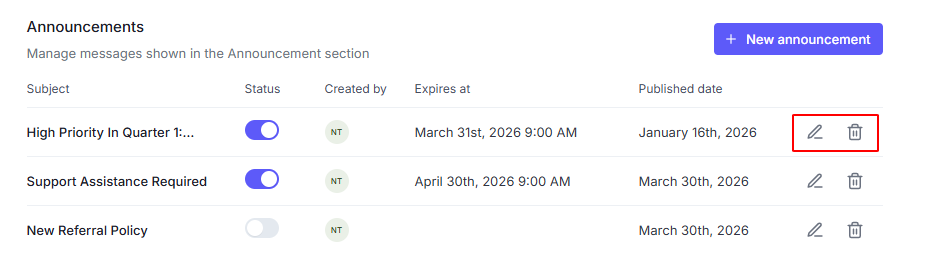
Create new announcement
Click New announcement and update the form
Click Publish to complete
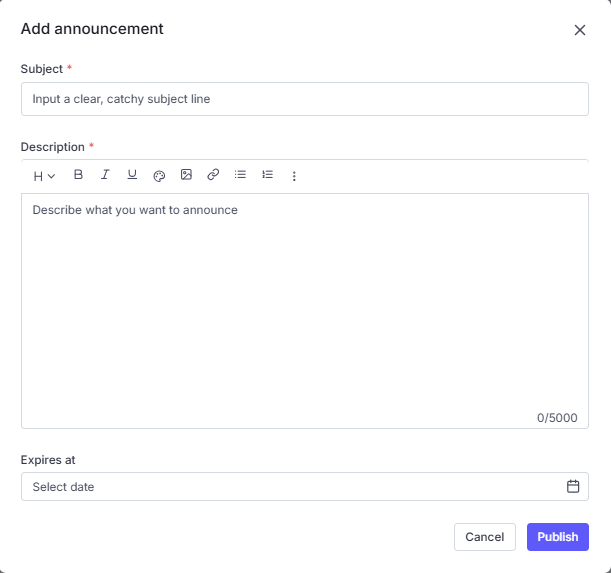
Once an announcement is published, it will appear in the Announcement section on the Career Hub homepage. The newest announcement is displayed at the top.

