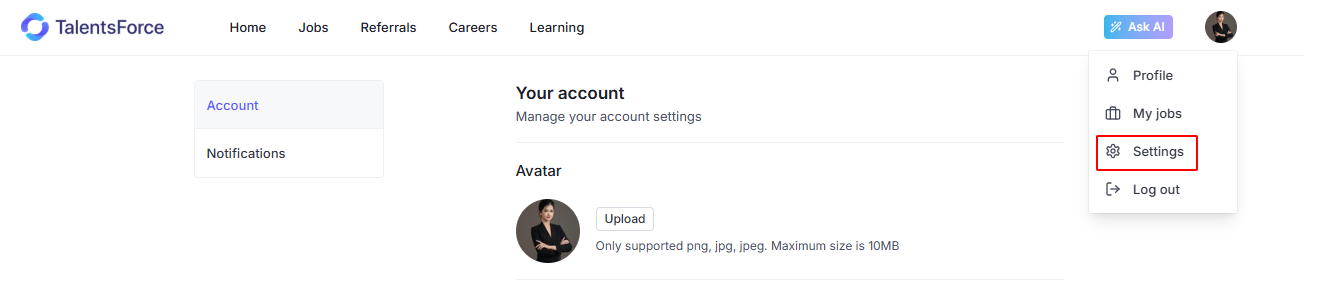
You can access Account Settings by clicking on your avatar icon in the top-right corner of the page, then selecting Settings.
This section includes two main tabs: Account and Notifications.
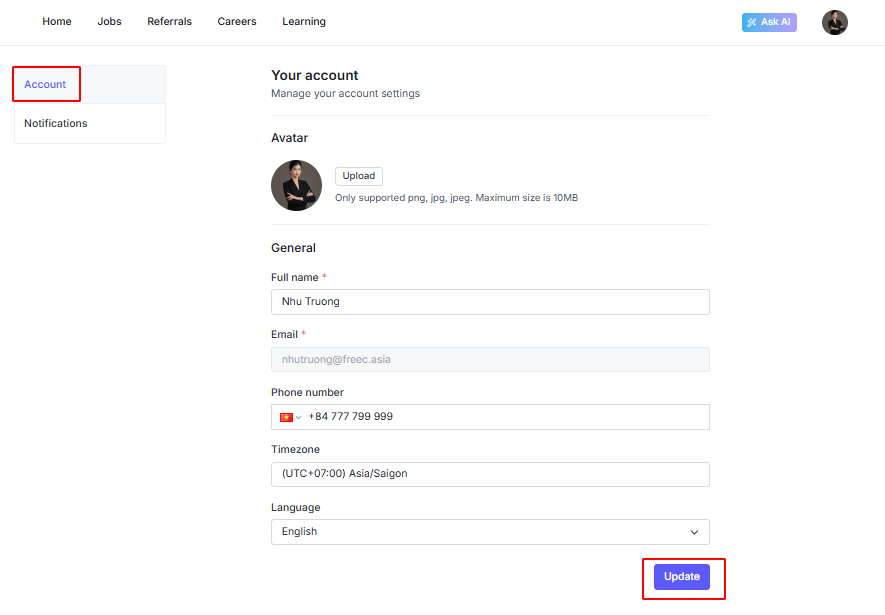
The Account allows you to view and update your personal account information.
Here, you can:
Upload or change your avatar
Update your full name
View your registered email address
Update your phone number
Set your timezone
Select your preferred language
After making any changes, click Update to save your information.
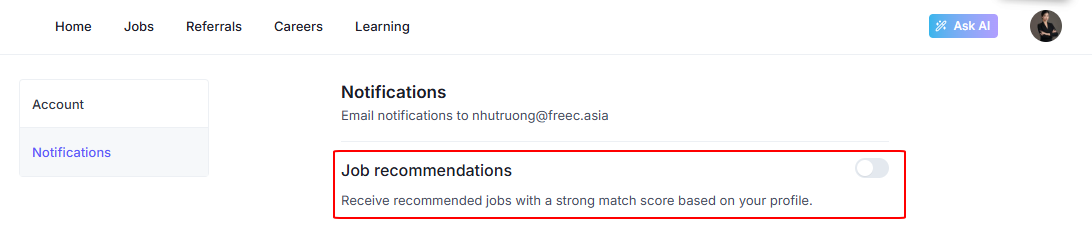
The Notifications allows you to manage which email notifications you receive from TalentsForce.
Currently, you can enable or disable Job Recommendations emails.
When enabled, TalentsForce will send you a weekly job recommendation email with a list of jobs that match 50% or higher based on your profile.
Delivery time: 9:00 AM
Schedule: Every Monday
Content: Jobs with a match score of 50% or above