
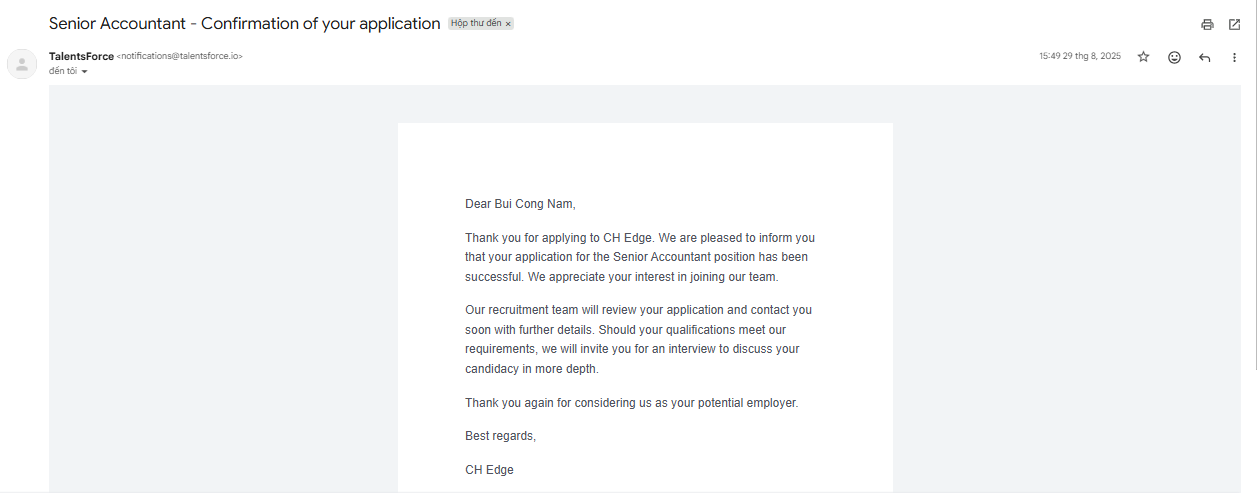
When you apply for a job on TalentsForce, you will receive an Application Confirmation email.
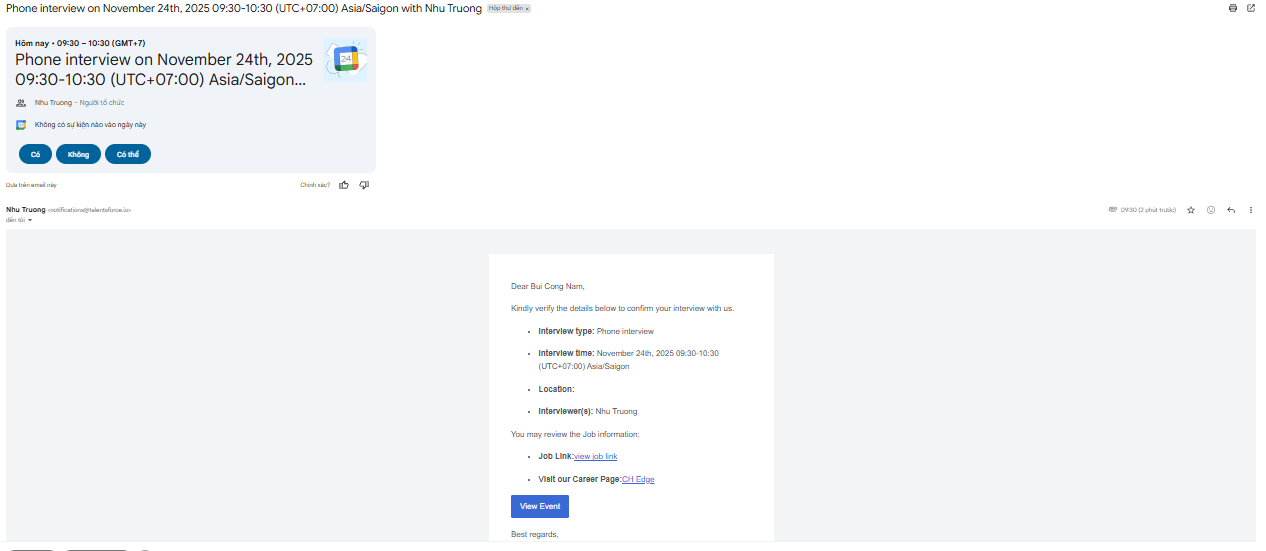
If the organizer schedules an interview with the Set specific time option, you will receive an interview confirmation email.

If the organizer sends you a self-schedule link, you will get an email where you can choose a time slot for your interview. Then:
Step 1: Open this email then click Go to booking form to go to the scheduling page.

Step 2: On that page, you will view basic information about the interview. You can click on a time slot to schedule the interview then click Submit.
If a suitable time slot isn't available, you can click I can't find a suitable time to notify the organizer that they need to reschedule.

Step 3: After clicking Submit, you will see a Confirmed meeting slot notification indicating your booking was submitted.

Step 4: Once you confirm, the interview is booked, both you and the attendees will receive an interview confirmed email.

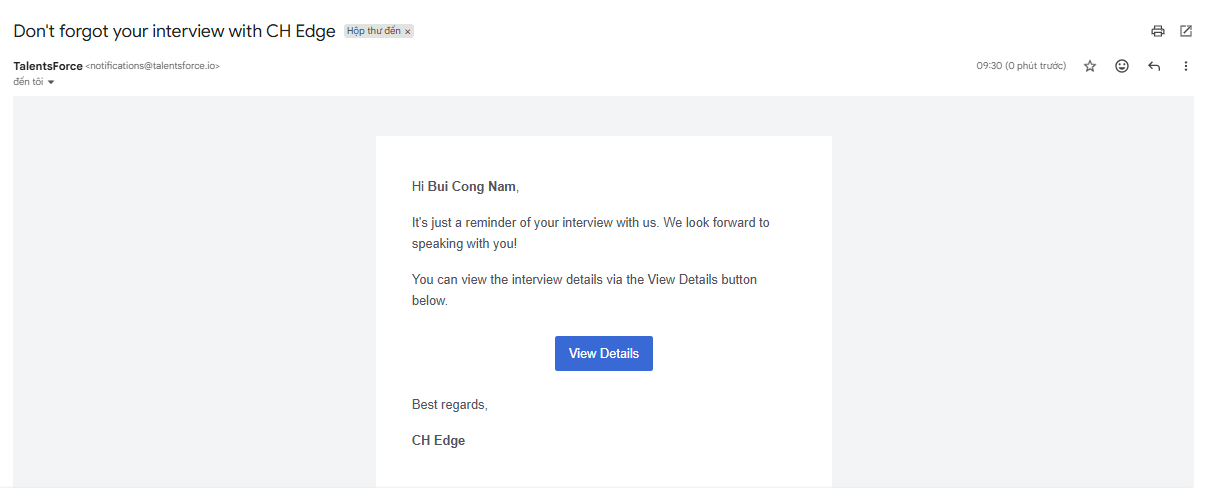
If the organizer enables the Candidate Reminder when scheduling the interview, you will receive an email reminder before the event based on the time option they selected (e.g., 15 minutes, 1 hour, 24 hours).
You will receive an Application Update email if the recruiter enable the Notify candidate by email when they disqualify your application.

